
A schema is not documentation, it is the admin
20 April 2026
Most admin panels are hand-built a second time, after the data model already exists: a list view here, a form there, validation duplicated between the API and the UI. Phlo CMS starts from the position that this is wasted effort. You declare what your data looks like once, and the CMS generates the rest.
static schema => arr(
    id:      field(type: 'token', title: 'ID', list: false, record: false),
    title:   field(type: 'text', required: true, search: true),
    body:    field(type: 'wysiwyg', list: false),
    cover:   field(type: 'image', list: false),
    author:  field(type: 'parent', obj: 'author', required: true),
    topics:  field(type: 'many', obj: 'topic', table: 'article_topic'),
)
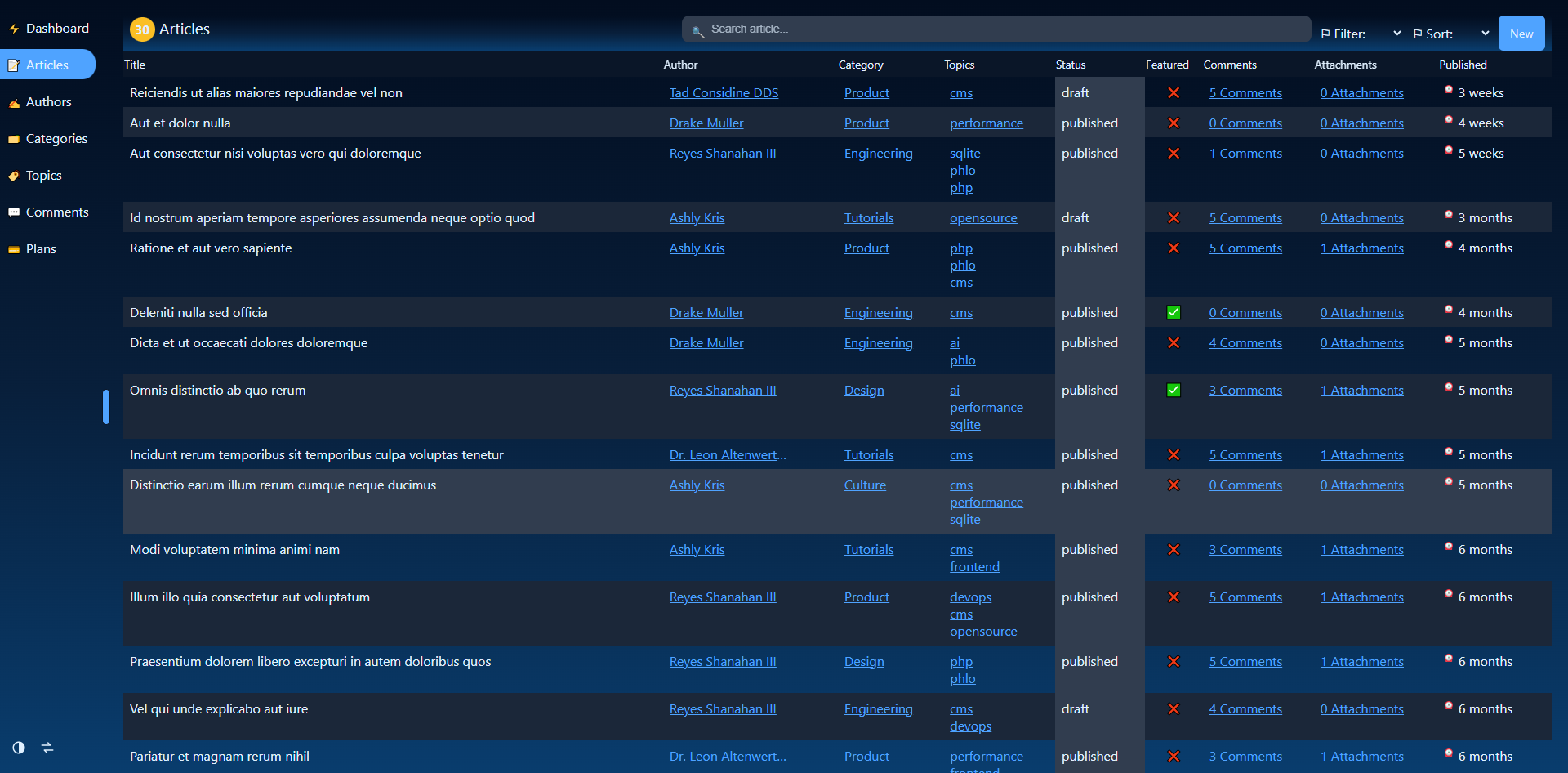
From that one declaration, the CMS produces a sidebar entry, a paginated list with counts and search, a record view with relations resolved, create and edit forms with the correct input per field type, and a REST API (POST/PUT/PATCH/DELETE) that shares the exact same validation as the forms. Nothing about the list view or the API is written by hand; both read the same schema.
Relations are just field types
parent, child and many are declared exactly like any other field, and read back as plain property access: $article->author, $author->articles, $article->topics. There is no join SQL in application code and no separate relation-configuration file; the relation lives on the column that represents it, in the schema.
Only pay for what you use
field(type: 'x', ...) is shorthand for the fields/x resource. Loading a field type is just listing it in your app's resources, so an app that never uses a wysiwyg field never ships the wysiwyg editor's code. A five-field blog and a fifty-field back office pull in exactly as much as they each actually use, nothing shared gets pulled along for the ride.
Dashboard widgets, for free too
A model can pin a widget on the CMS home:
static objWidgets => [
    'Articles' => obj(type: 'gauge', data: static::item(columns: 'COUNT(id)')),
]
The CMS home stops being a menu and becomes a live overview of the data behind it, from the same schema, again.
Start from a real schema, not a blank page
Picking a database, a table name and a field list by hand is most of the work of writing a model. The CMS builder turns exactly that choice into a ready model file, including the relation wiring between models you are defining together, so the model on disk matches what you just described instead of being retyped from memory.