
Install
From an empty folder to a running Phlo app in two minutes, and from there to a production setup with worker mode, realtime and central management.
Local development
With Docker (fastest)
Prefer HTTPS on localhost? Caddy provides a local certificate; then open https://localhost and accept the one-time browser warning
Or from the source code
What the installer does
- Asks for a name, host and the resources your app needs
- Resolves requirements between resources automatically
- Generates the project structure: source, data, php and webroot
- Only finishes after a clean build, so you always start green
Building happens automatically with every request, explicit is also possible
Packages
All components are also available as packages. The engine, the CMS, and the dashboard via Composer:
The daemon (warm workers, realtime and tasks) and the WhatsApp bridge via npm:
Assemble your app
Choose resources and configuration in the browser; get a ready-to-use app.phlo, app.json, and entry. Requirements between resources are automatically resolved.
www/app.php
data/app.json
app.phlo
Start with a demo
Small, complete example projects. Download as a Docker package and run with one command, or view the source code.
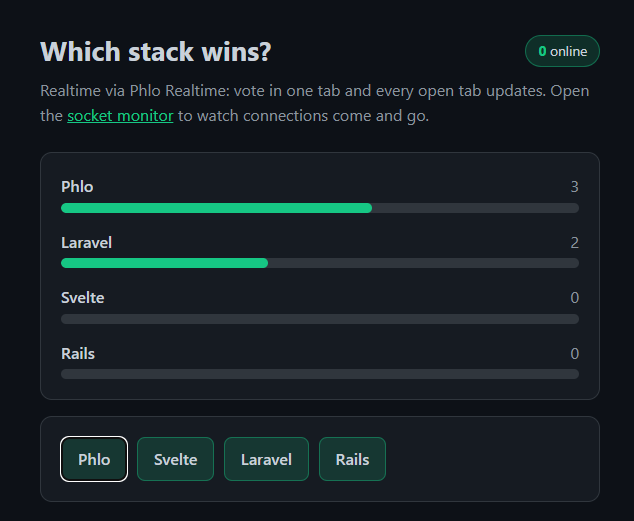
Realtime poll
A live poll where votes come in directly for each visitor via Phlo Realtime. Explained step by step in the Learn tutorial.
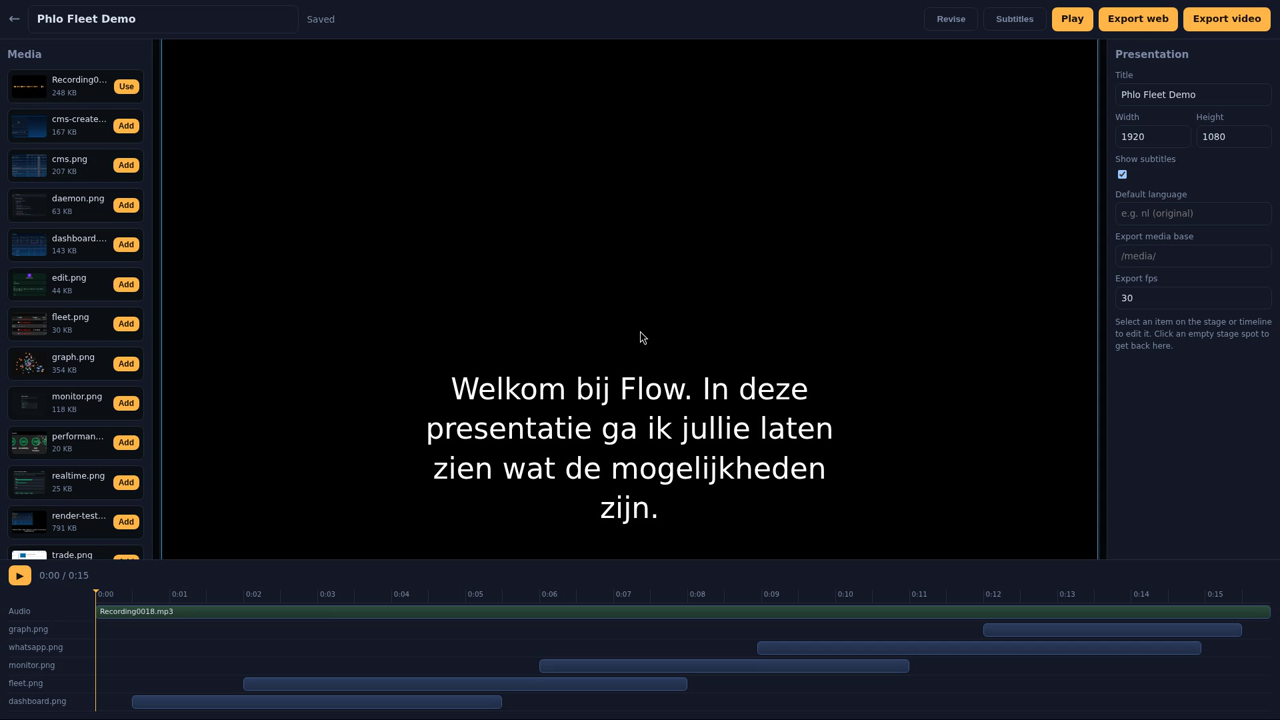
Presentation
An audio timeline editor for narrative presentations and videos: Whisper transcription, AI dubbing, and an AI director that creates a storyboard from your media library.
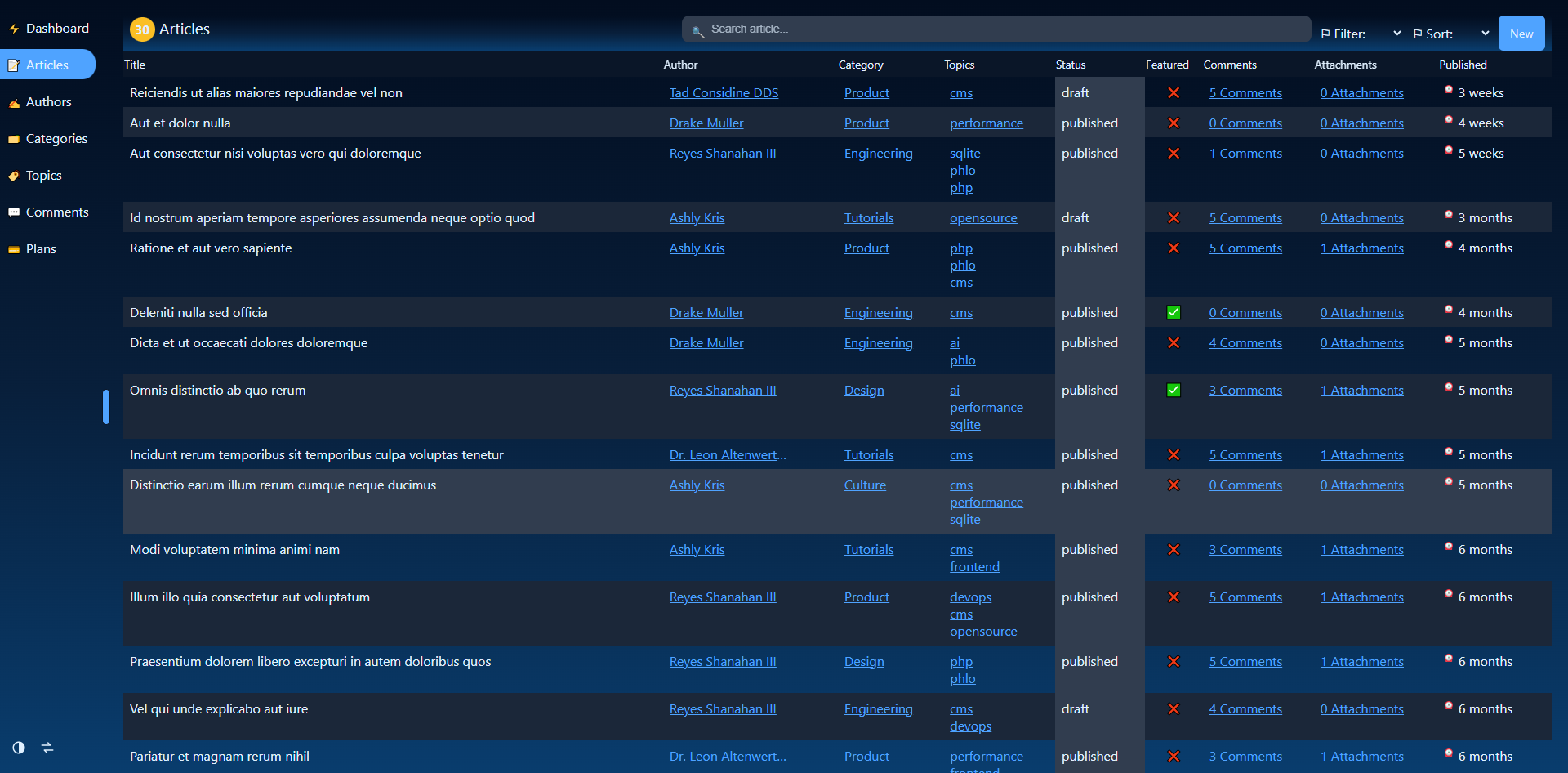
CMS
A schema-driven blog with admin, media, and relationships, delivered with a filled dataset.
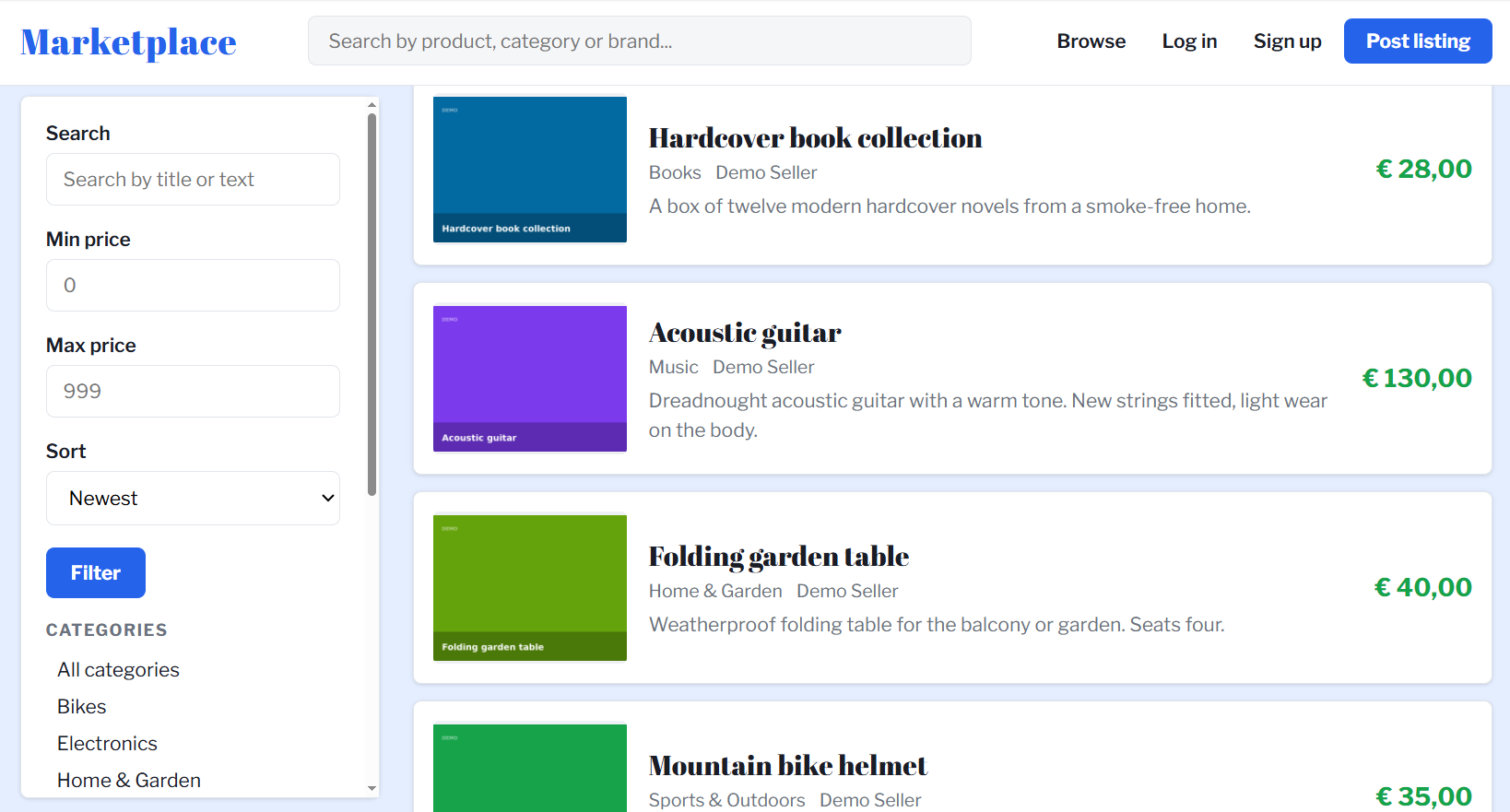
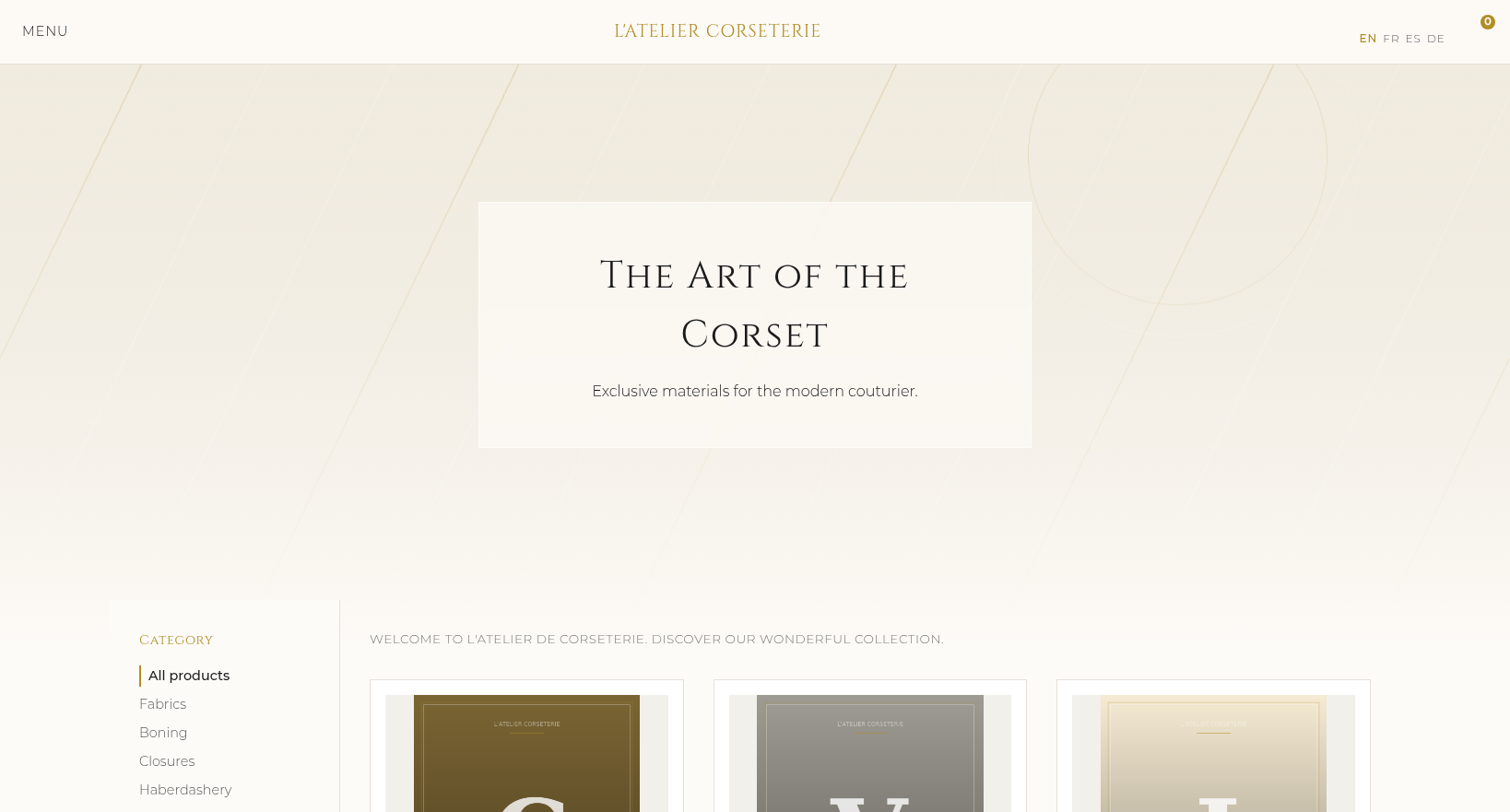
Webshop
A complete webshop in four languages with a Phlo CMS admin, all on one SQLite file.
Production architecture
A Phlo app is not a standalone script but part of a server platform: FrankenPHP in worker mode, a vhost per app, the optional daemon for realtime and tasks, and the dashboard for fleet overview. The same setup that this site itself runs on.
And with growth, the same setup scales horizontally: the app tier is stateless and runs identically behind a load balancer, with sessions in Redis or the database and the actual scaling work in the data tier.
Setting up your own server? Assemble your configuration on the server setup page and get one script that transforms a bare Debian machine into this complete platform: FrankenPHP with your vhosts, database, daemon, firewall, and optionally a mail server.