
1: Dashboard overview
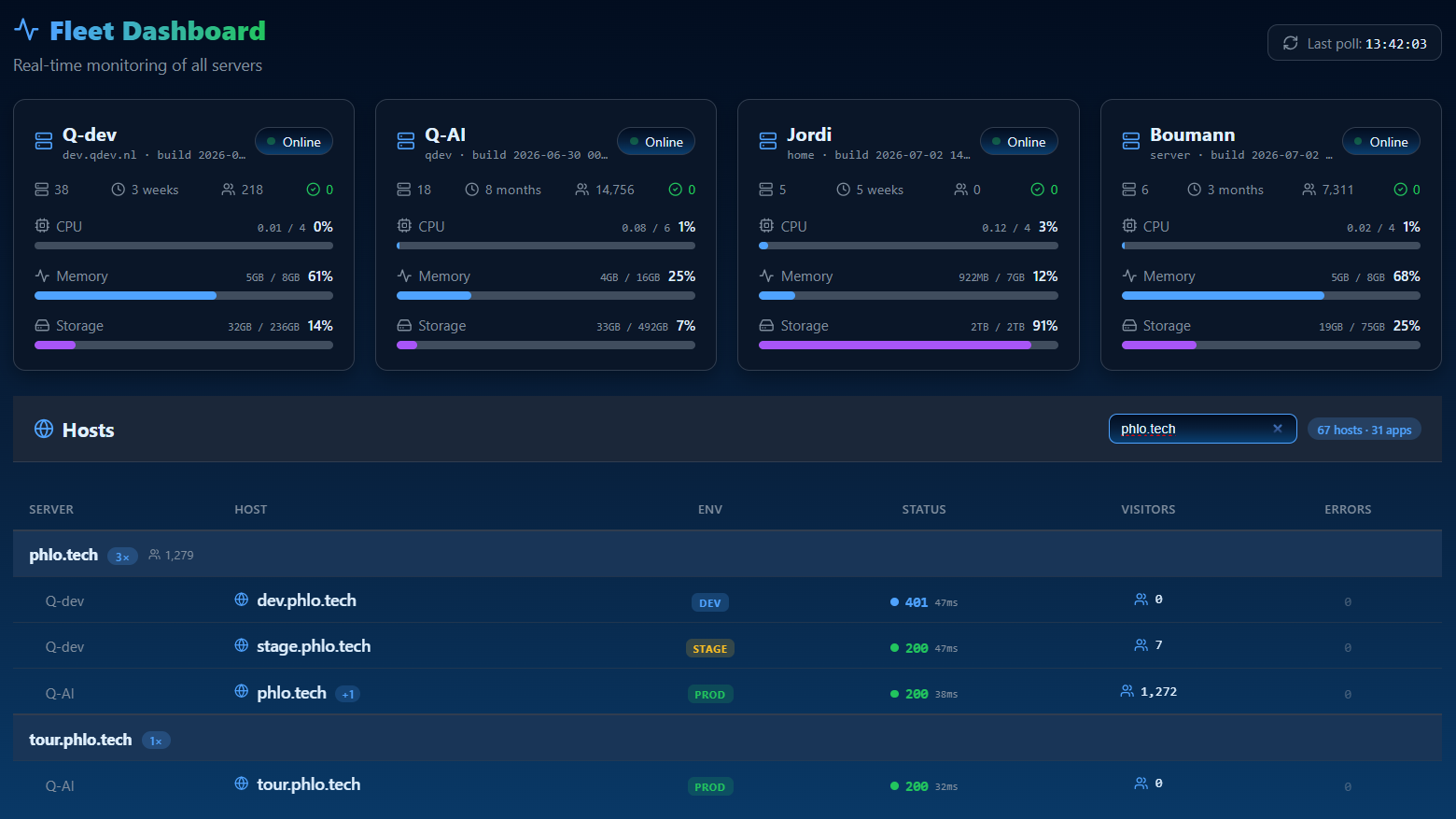
The Phlo Dashboard is the operations layer of the platform: a single control center for a fleet of Phlo apps and the servers they run on. It is itself a Phlo app built on the CMS, with auth, fleet tooling and analytics layered on top.
1.1: What it is for
Where the CMS manages one app's content, the Dashboard manages the operation: which apps and hosts exist, who may touch them, what they are doing right now, and what users are notified about. It is the answer to "I have several Phlo apps in production, how do I run them from one place?"
1.2: The modules
| Module | Purpose |
|---|---|
| Overview | fleet status at a glance |
| Database | browse and edit MySQL and SQLite databases |
| Domains / Sites | the hosts and apps under management |
| Notifications | a central inbox apps push to |
| Subscriptions | who gets notified, and how |
| monitor Phlo WhatsApp gateways | |
| Users | accounts, roles and permissions |
| Visitors | privacy-friendly analytics |
Each module is gated by role and per-user permissions, so a scoped user sees only what they are allowed to.
1.3: Reference, not a demo
The Dashboard is an operational tool tied to real servers and accounts, so there is no public demo. This mini-manual is concepts and reference. The other three product manuals (CMS, Phlo Realtime, Phlo WhatsApp) each come with a runnable example app you can clone and build.
Last updated on 23 August 2026