
2: 模式和字段
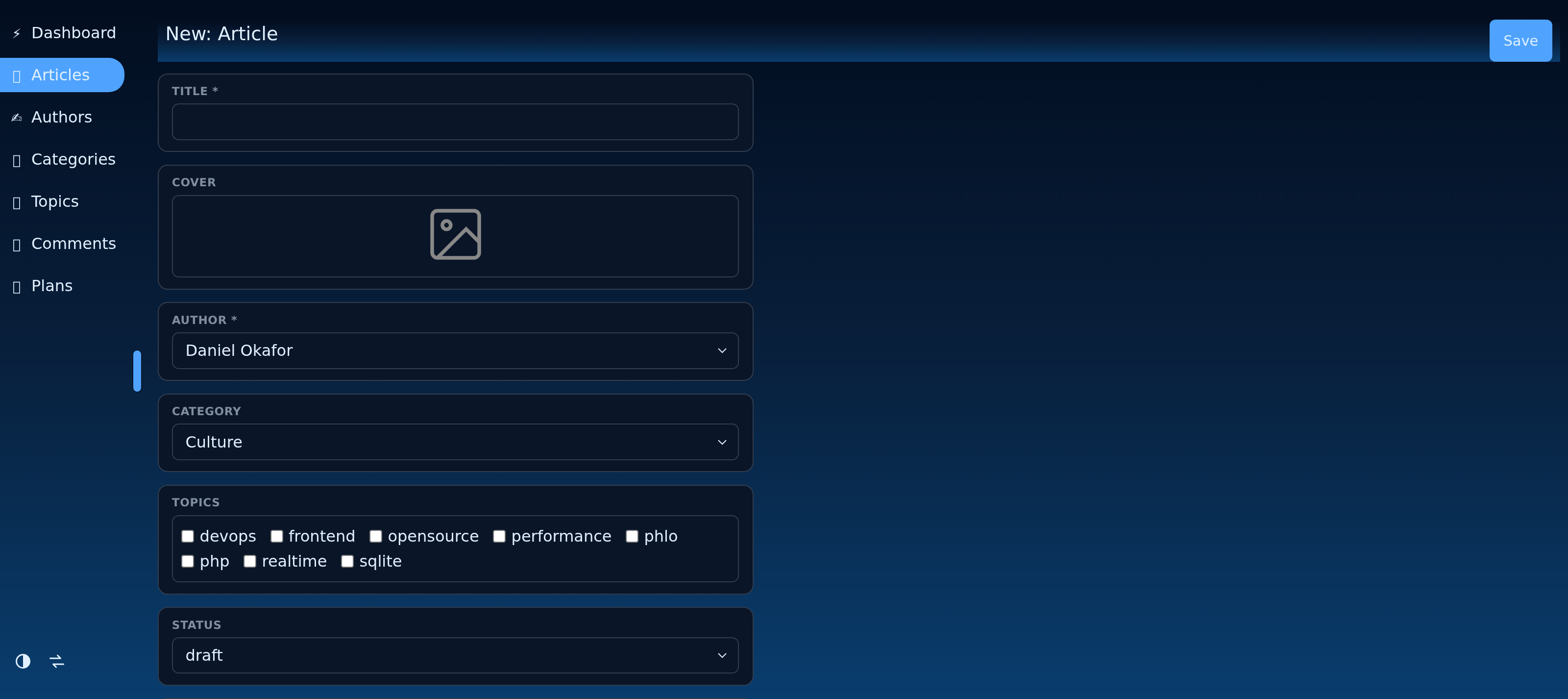
一个模型通过 schema 声明其形状:一个列名到给定类型的 field(...) 的映射。CMS 读取模式以构建输入、列表列、验证和 API。
static schema => arr (
	id:      field (type: 'number',   title: 'ID', list: false, record: false),
	title:   field (type: 'text',     title: 'Title', length: 160, required: true),
	body:    field (type: 'wysiwyg',  title: 'Body', list: false),
	created: field (type: 'datetime', title: 'Published'),
)
2.1: 字段类型
| 类型 | 存储 / 渲染 |
|---|---|
text |
一个字符串(设置 multiline: true 以用于文本区域) |
email, password, number, date, datetime |
类型输入 |
bool |
一个复选框 |
select, multiselect |
固定选项列表 |
wysiwyg |
富文本 |
token |
生成的 ID |
image, file |
上传(请参见上传章节) |
parent, child, many |
关系(请参见关系章节) |
virtual |
一个计算的、非存储的值 |
2.2: 常见字段选项
title: 在管理界面中显示的标签。required: true: 在写入时进行验证。list: false/record: false: 从列表或记录视图中隐藏该字段。length,default,placeholder,options: 每种类型的额外属性。
id 字段通常在列表和记录中隐藏,因为数据库会分配它。
2.3: field() 辅助函数
field(type: 'x', ...) 是简写:它解析为带有您参数的 field_x 资源。加载字段类型只需在您的资源中列出 fields/x,因此应用程序仅会打包实际使用的字段类型。
最近更新于 2026年8月23日