
2: Schemas and fields
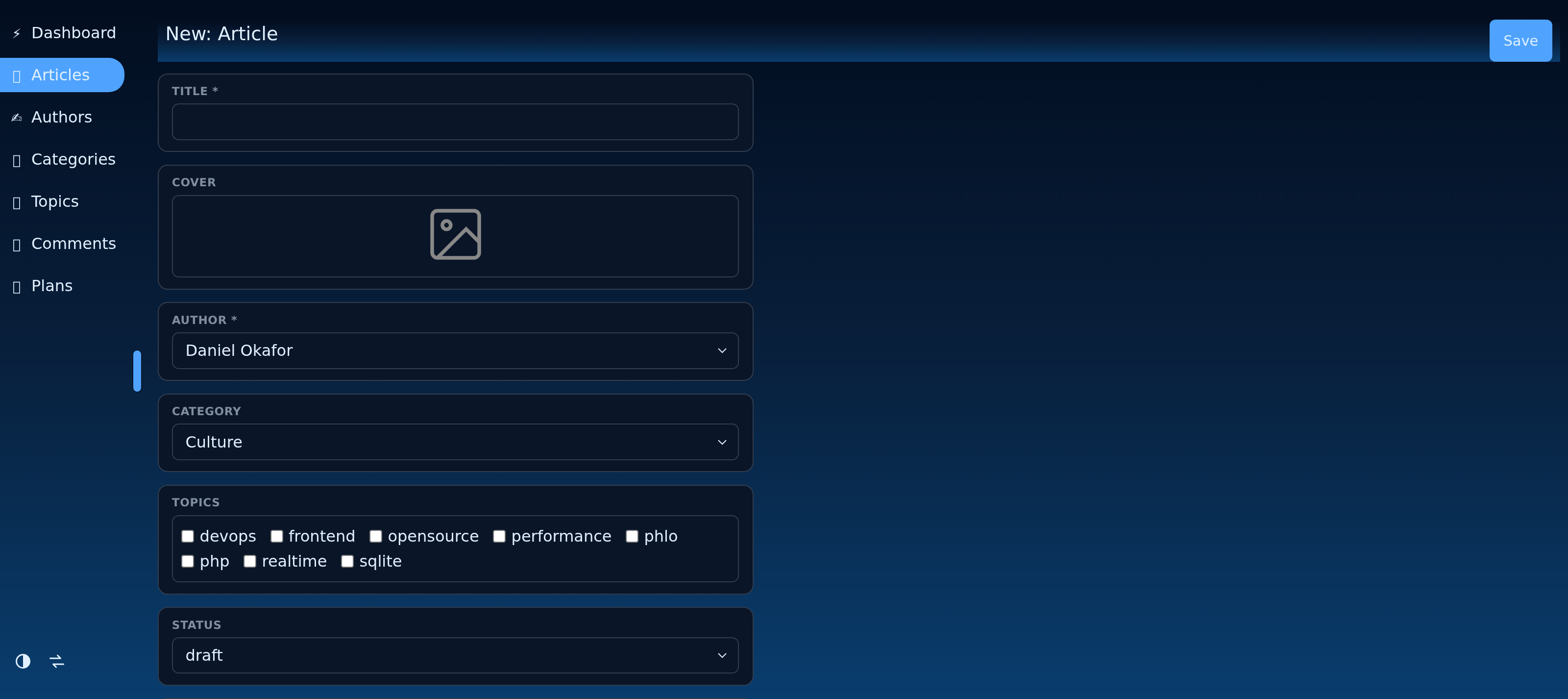
A model declares its shape with a schema: a map of column name to a field(...) of a given type. The CMS reads the schema to build inputs, list columns, validation and the API.
static schema => arr (
	id:      field (type: 'number',   title: 'ID', list: false, record: false),
	title:   field (type: 'text',     title: 'Title', length: 160, required: true),
	body:    field (type: 'wysiwyg',  title: 'Body', list: false),
	created: field (type: 'datetime', title: 'Published'),
)
2.1: Field types
| Type | Stores / renders |
|---|---|
text |
a string (set multiline: true for a textarea) |
email, password, number, date, datetime |
typed inputs |
bool |
a checkbox |
select, multiselect |
a fixed option list |
wysiwyg |
rich text |
token |
a generated id |
image, file |
an upload (see the Uploads chapter) |
parent, child, many |
relations (see the Relations chapter) |
virtual |
a computed, non-stored value |
2.2: Common field options
title: the label shown in the admin.required: true: validated on write.list: false/record: false: hide the field from the list or record view.length,default,placeholder,options: per-type extras.
The id field is conventionally hidden from both list and record, since the database assigns it.
2.3: The field() helper
field(type: 'x', ...) is shorthand: it resolves to the field_x resource with your arguments. Loading a field type is just listing fields/x in your resources, so an app only ships the field types it actually uses.
Last updated on 7 October 2026